Why PDF Page Size and Rotation Matter When Adding Stamps
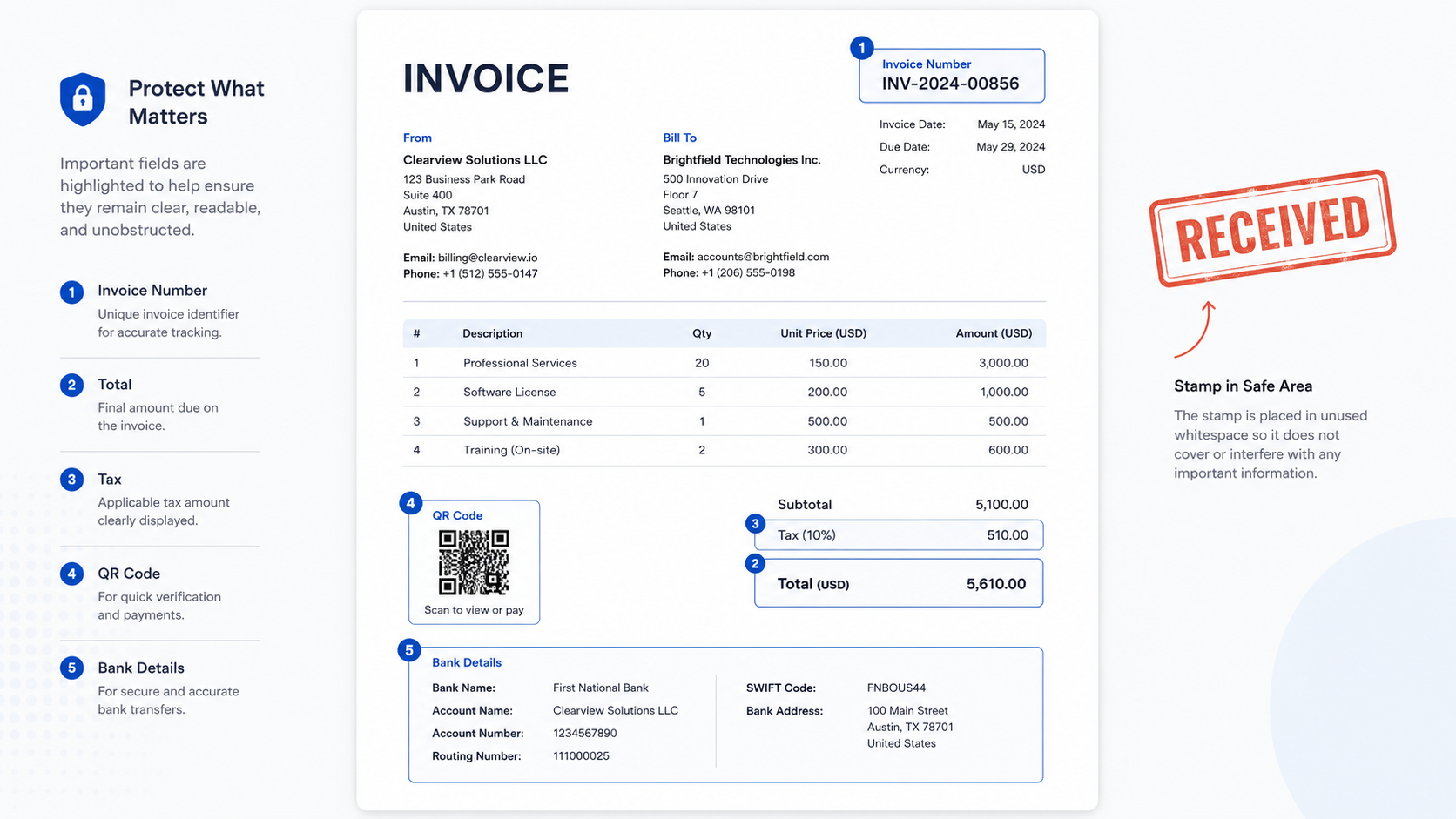
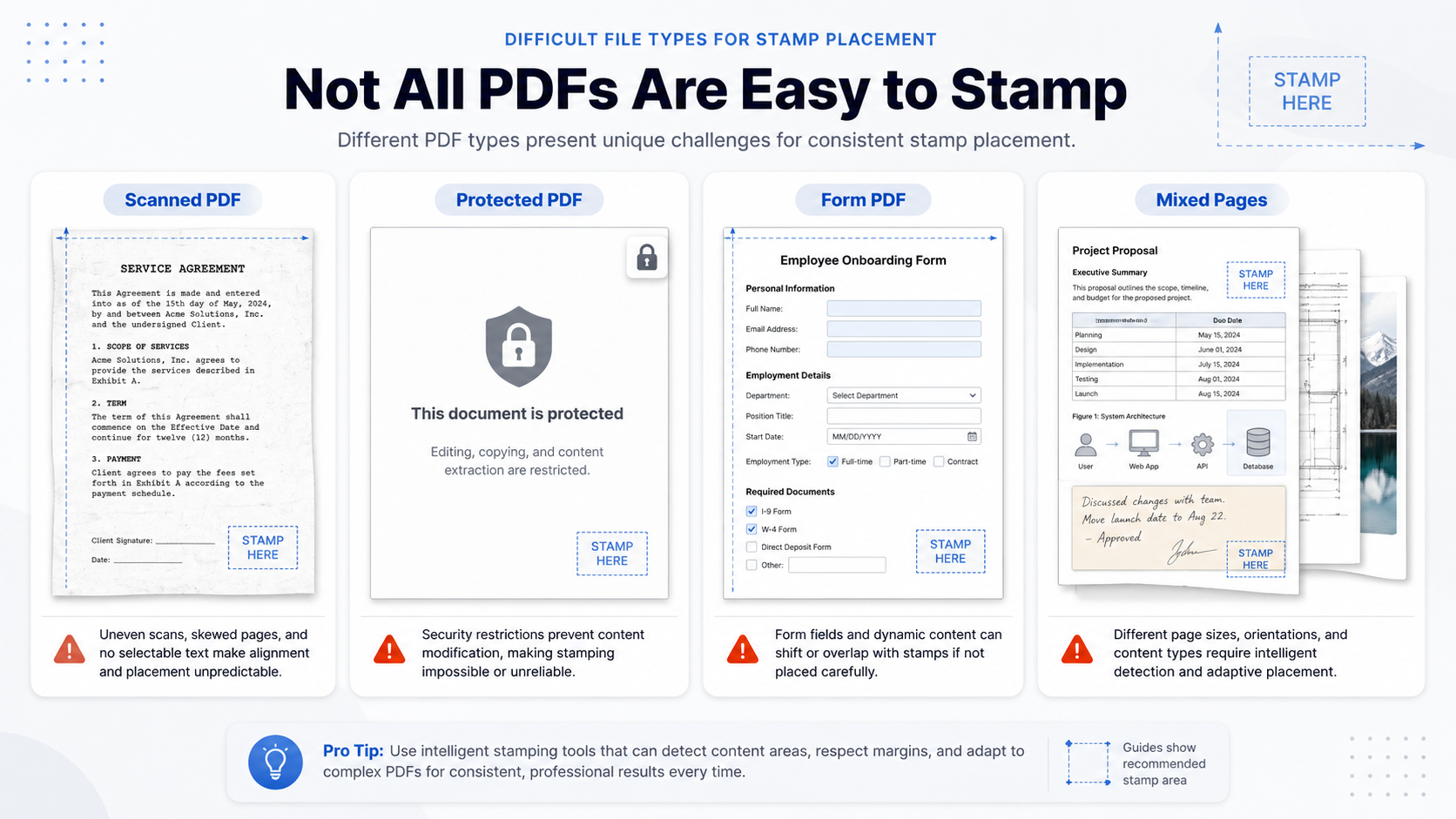
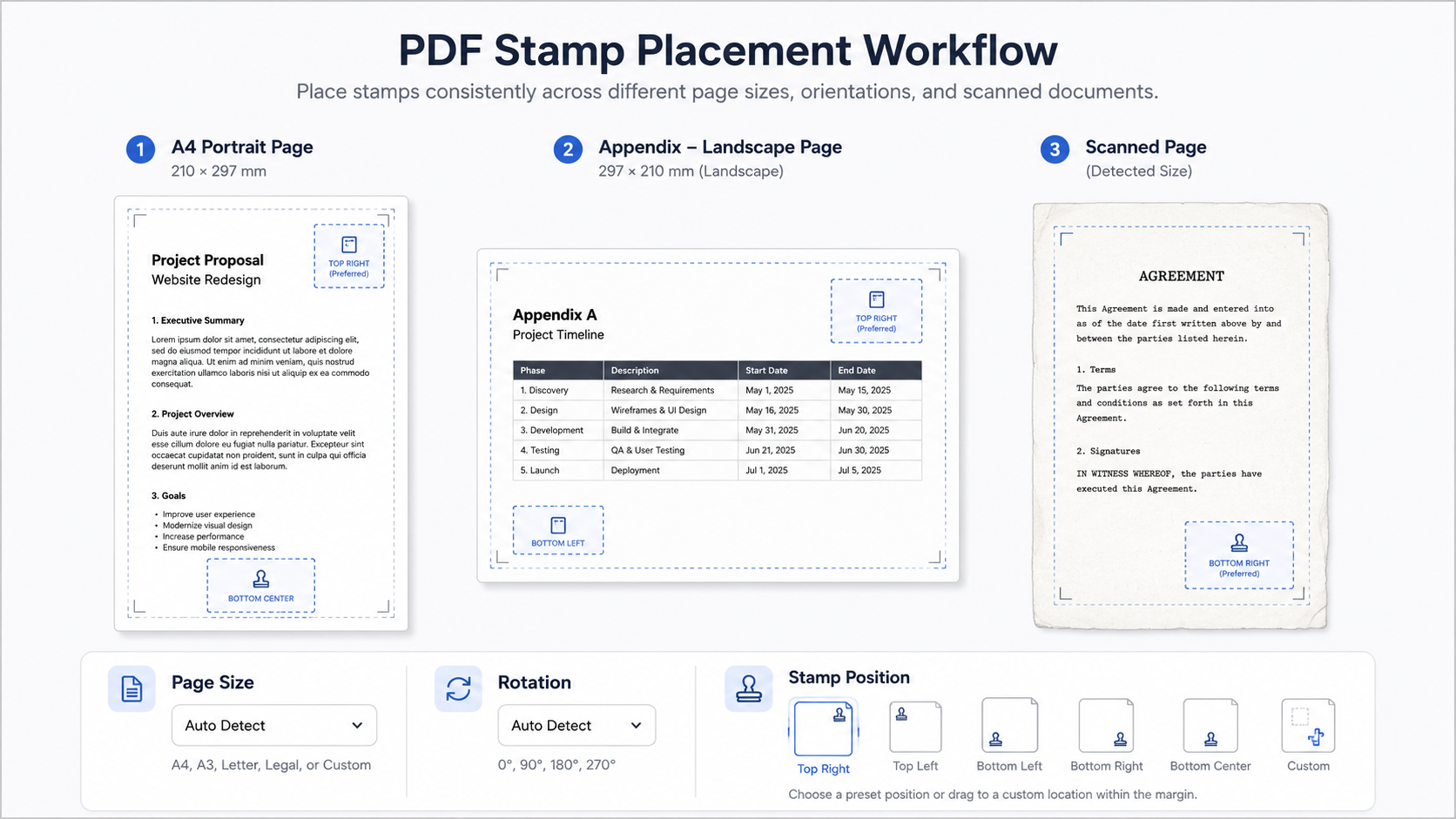
Direct answer: PDF stamps may shift, stretch, or land in the wrong corner when page size and page rotation are ignored. A PDF can...
In-depth tutorials, guides, and technical articles about PDF stamping and document privacy.
Direct answer: PDF stamps may shift, stretch, or land in the wrong corner when page size and page rotation are ignored. A PDF can...
Direct answer: Transparent PNG is usually the better format for PDF seal images because it preserves the stamp shape without adding a white box...
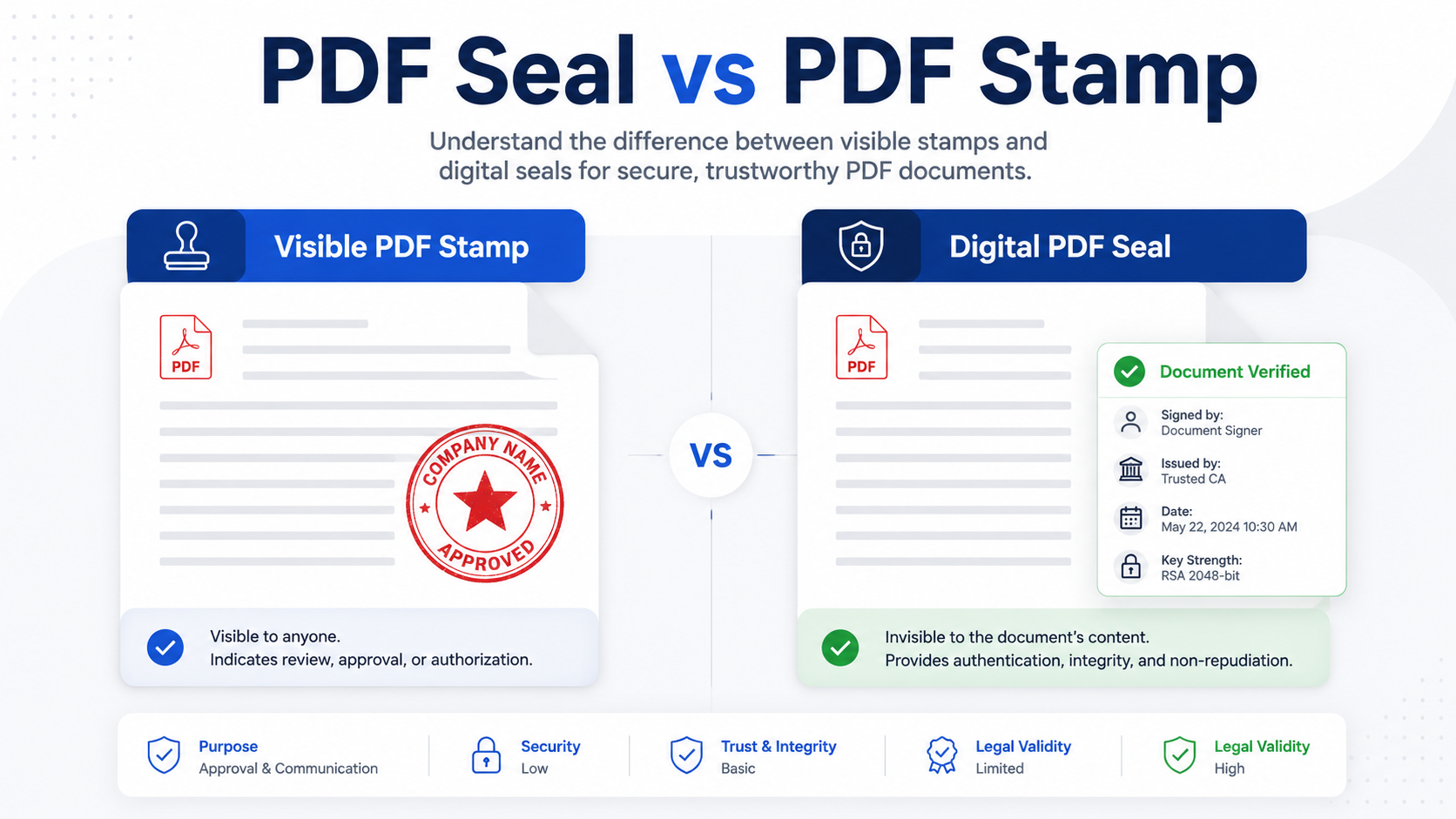
Direct answer: A visible PDF stamp is usually enough when the goal is to show document status, support internal routing, or make a review...
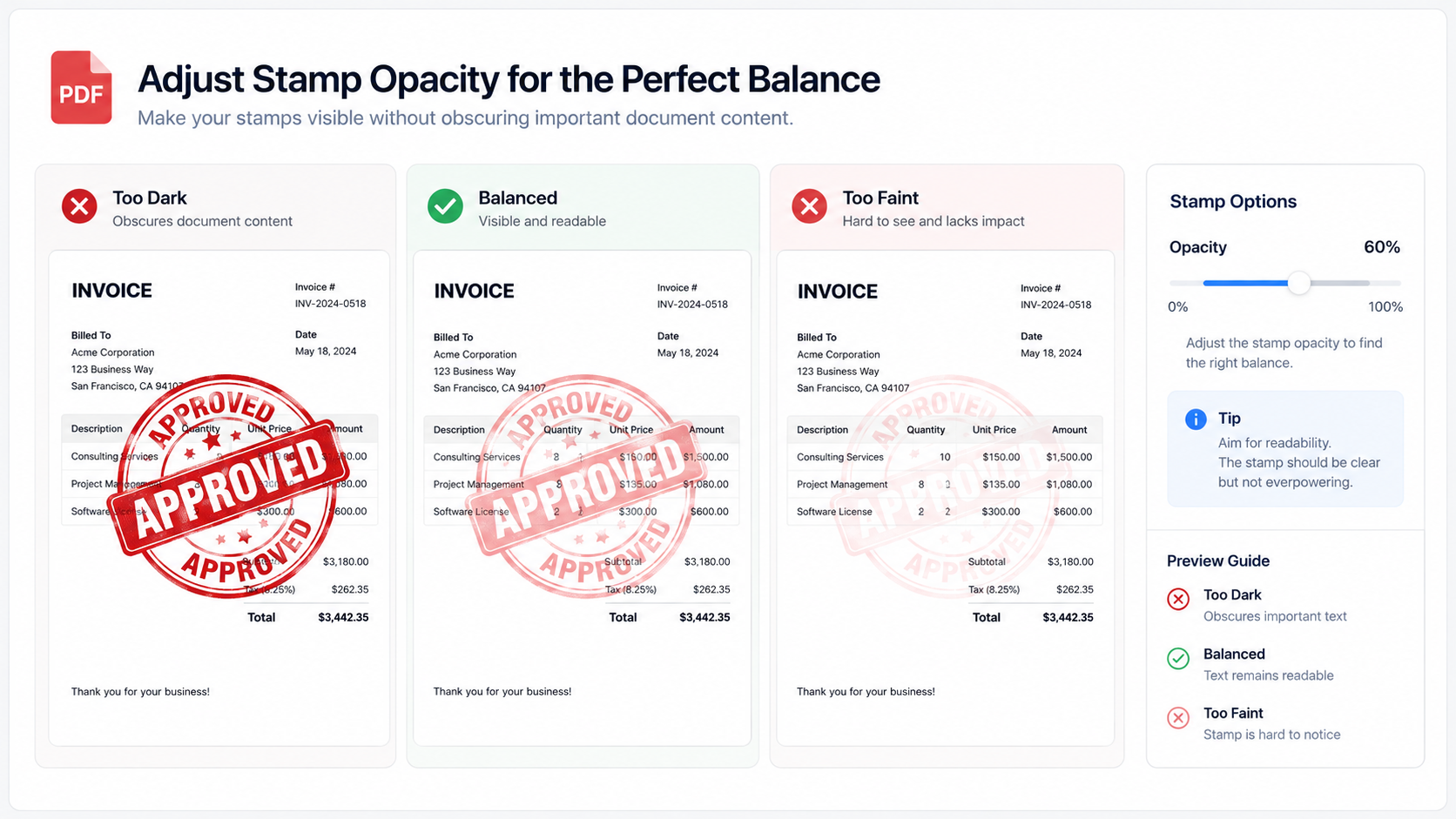
A blurry PDF stamp is rarely caused by one single problem. In most cases, it comes from a low-resolution seal image, aggressive scaling, a...
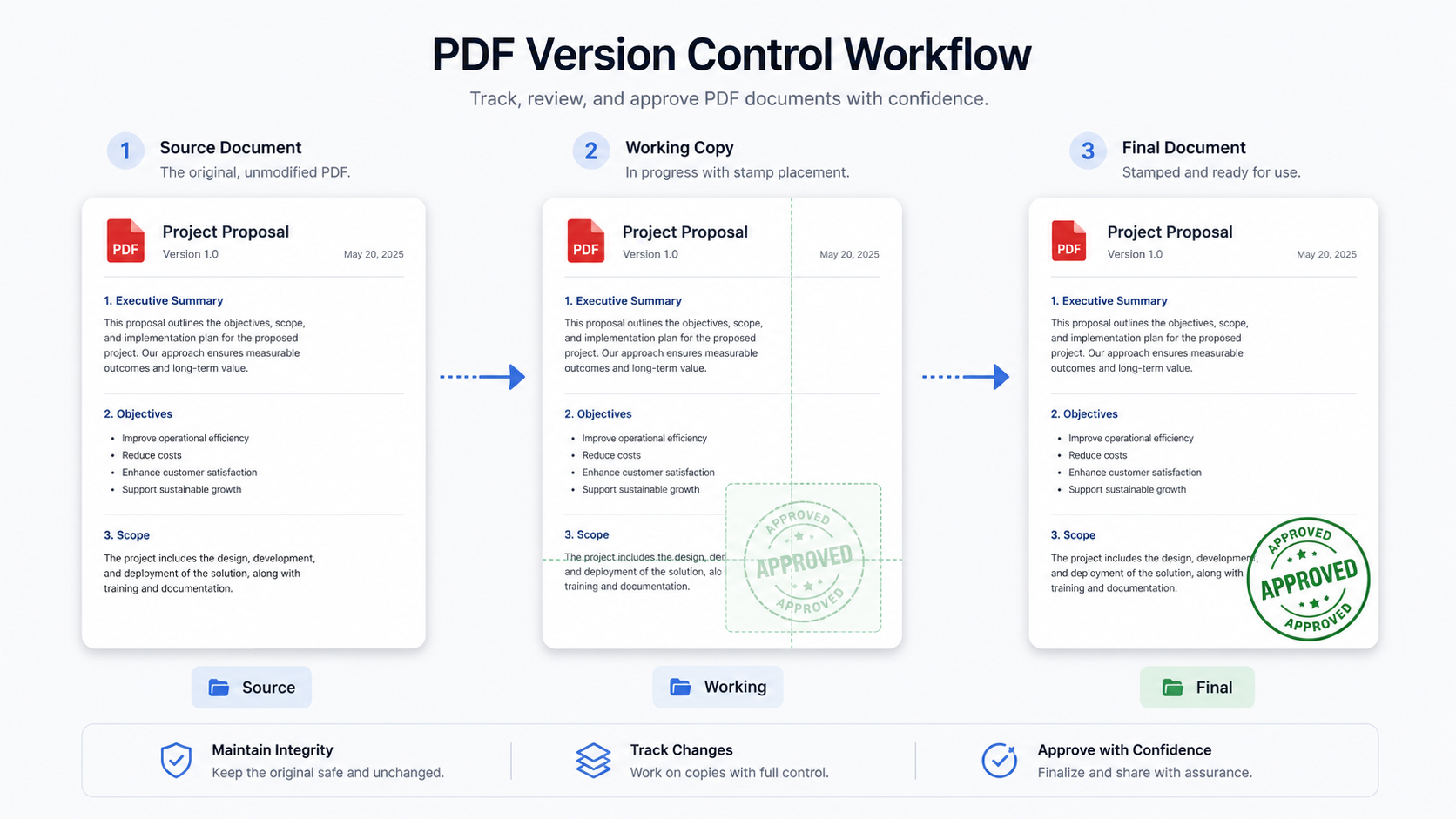
Direct answer: Before stamping a PDF, small teams should check the document purpose, sensitivity level, page count, stamp position, image quality, output preview and...
Direct answer: To add an official seal to a cross-border contract PDF, first confirm whether a visible seal image is acceptable for the workflow....
Direct answer: You do not need a full Creative Cloud subscription just to add a visible signature image, approval stamp, company seal image, or...
Direct answer: To apply a stamp to all pages of a PDF safely, first decide what the stamp means, prepare a transparent PNG stamp...
Direct answer: A no-upload PDF stamping tool is a tool that lets you add visible stamps, signature images, approval marks, transparent PNG seals, or...
Direct answer: To sign or stamp a PDF offline on Windows 11, keep the original file untouched, work on a copy, use a local...