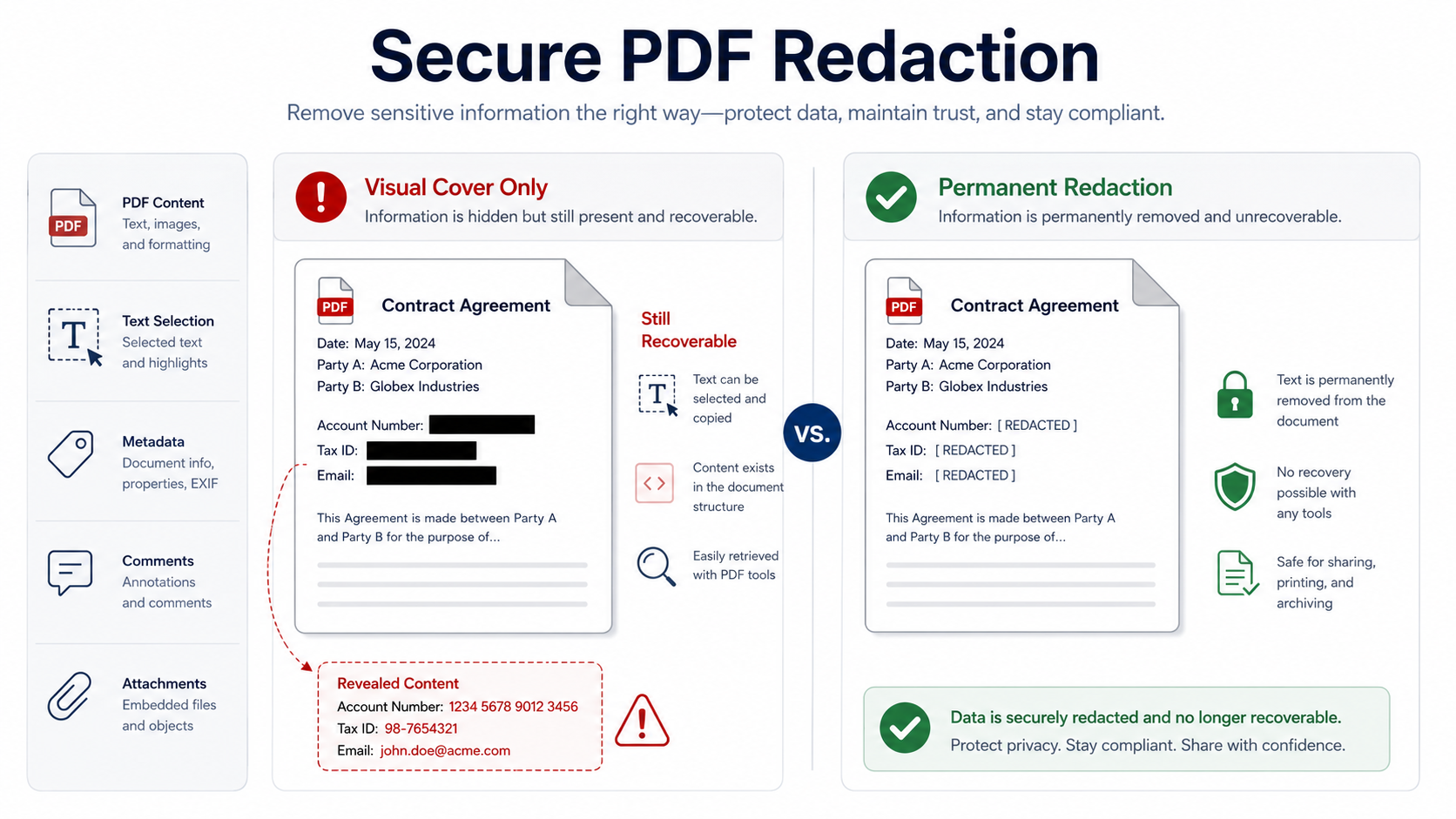
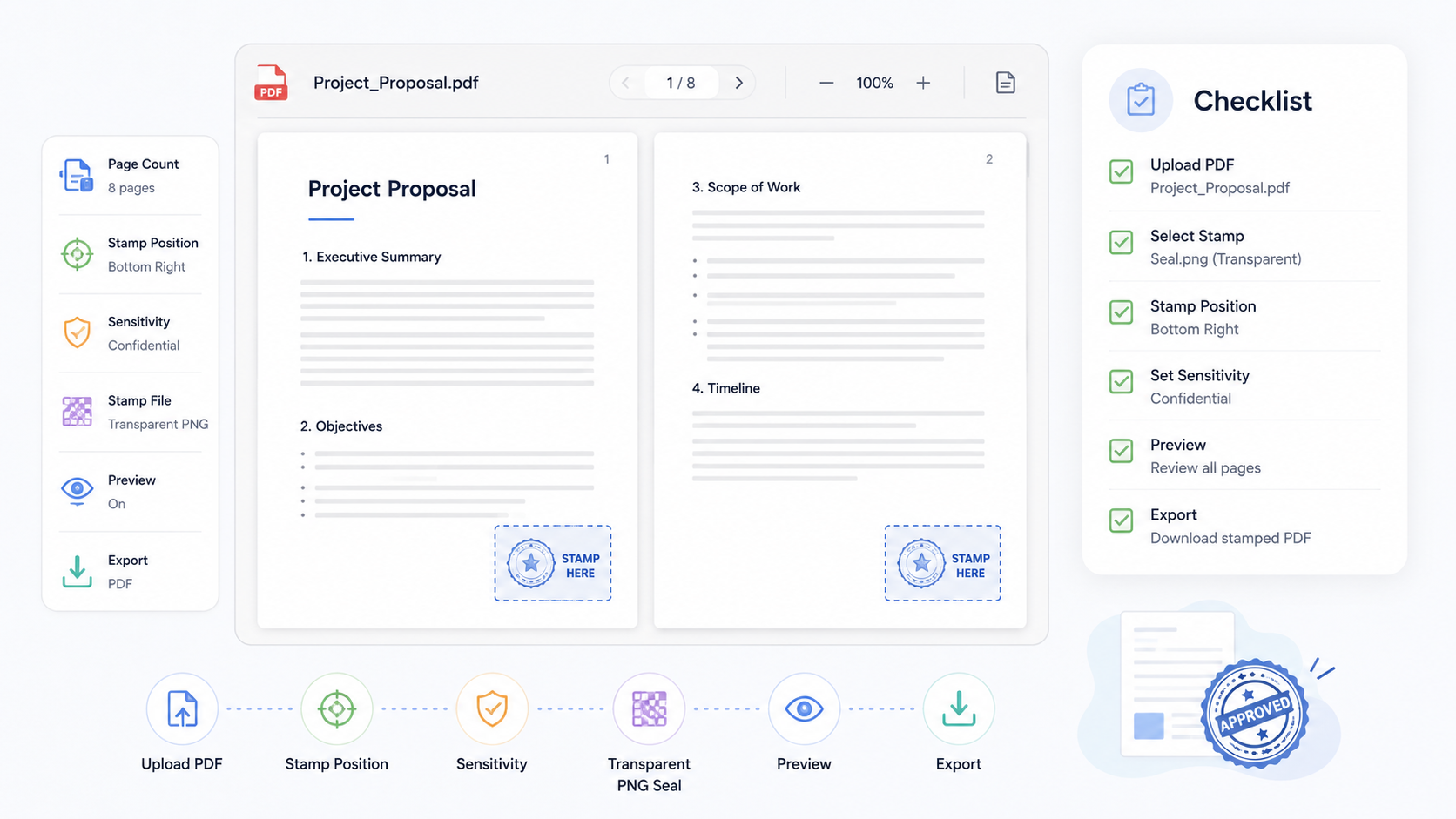
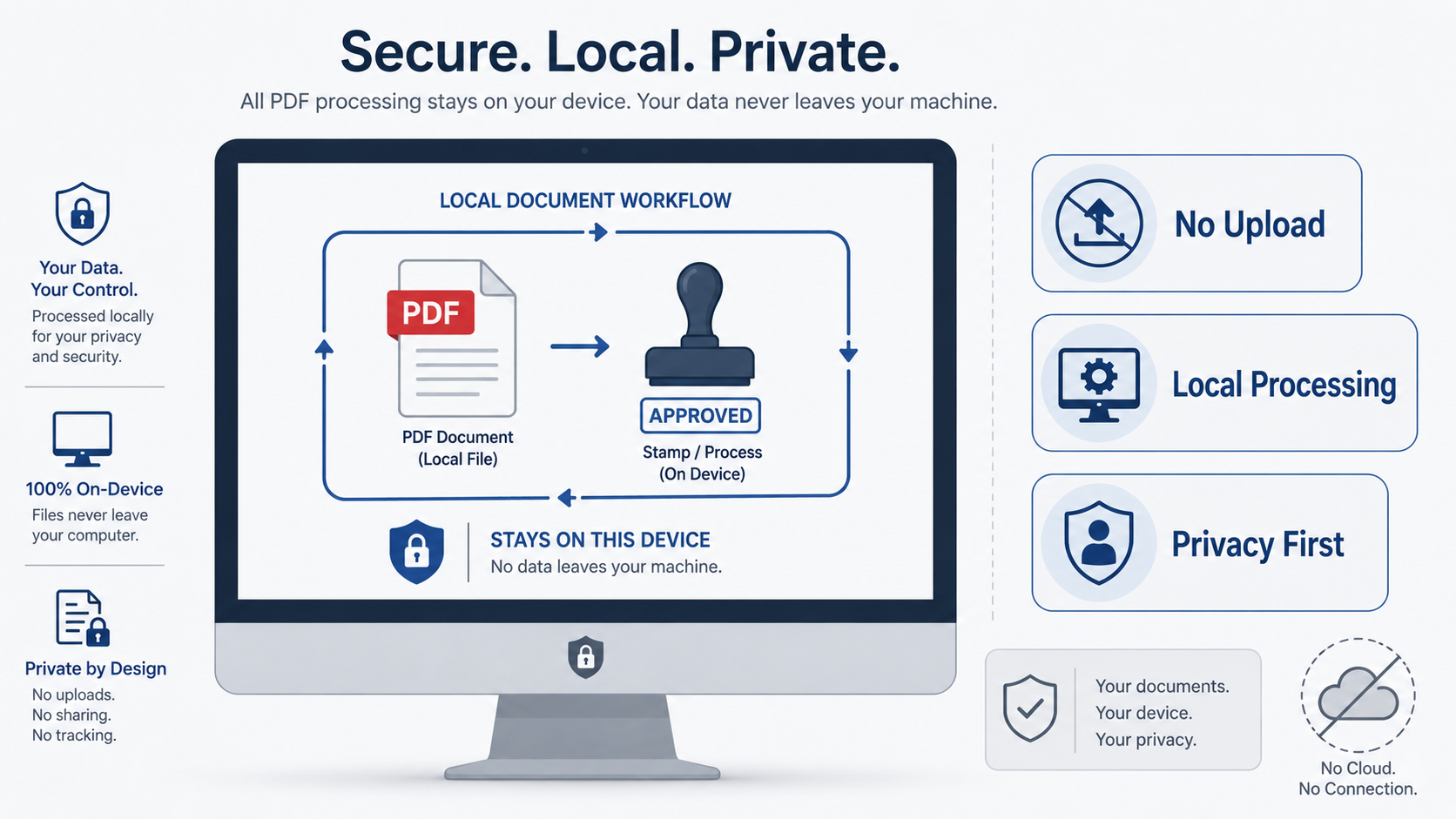
This topic center is for teams that need to add visible PDF marks without losing sight of privacy, document sensitivity, and workflow boundaries. A stamp can show that a file was received, reviewed, routed, or archived. It does not automatically prove who approved the file, whether a person consented, or whether the document was changed after the mark was added.
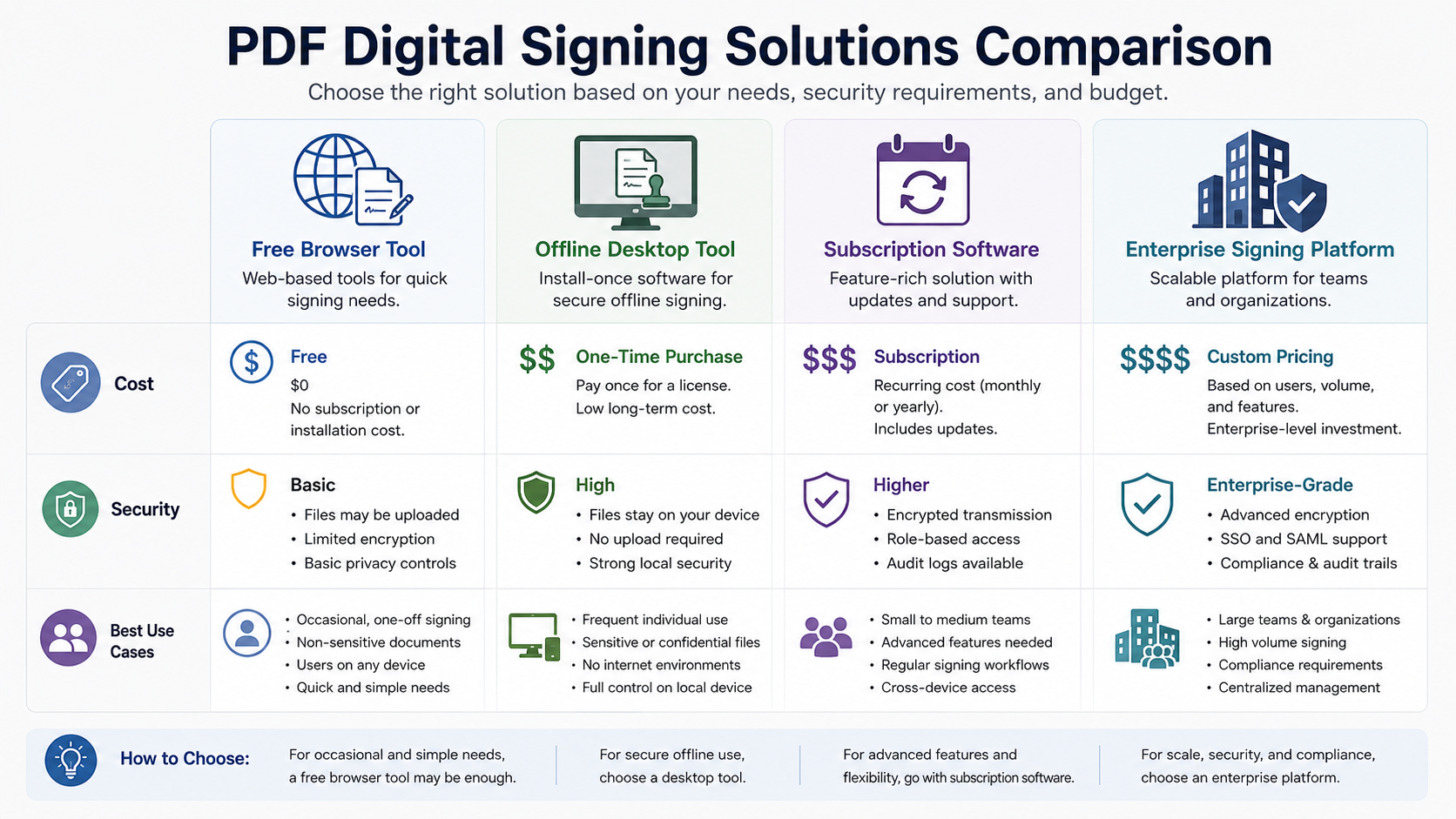
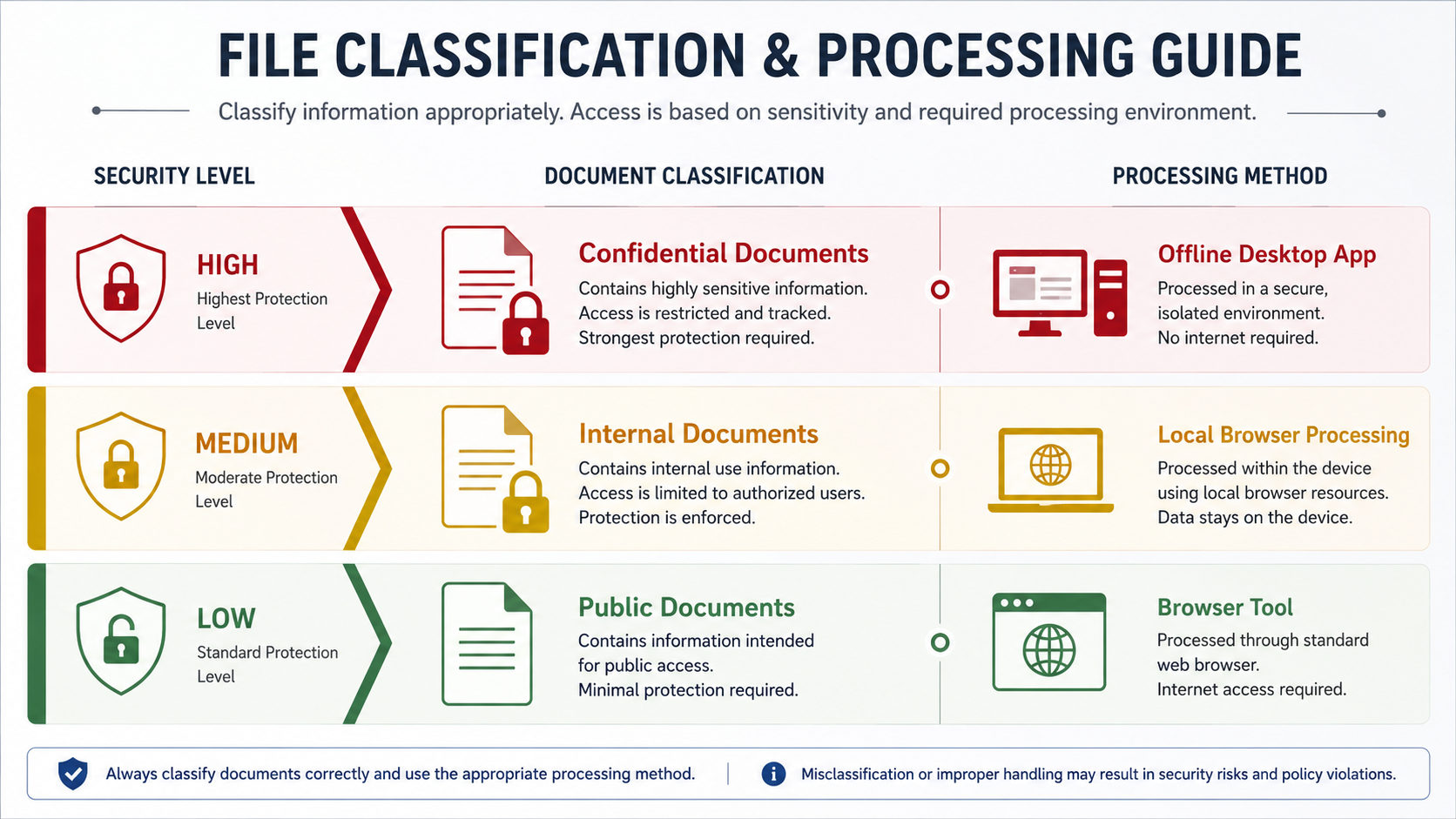
Begin with local and no-upload processing to understand where a PDF is handled during a normal browser workflow. Then read the document-classification guide before deciding whether a file belongs in a browser-based task, an offline desktop workflow, or a controlled signing process. The right decision depends on the content, the audience, the business process, and the evidence the document must carry.
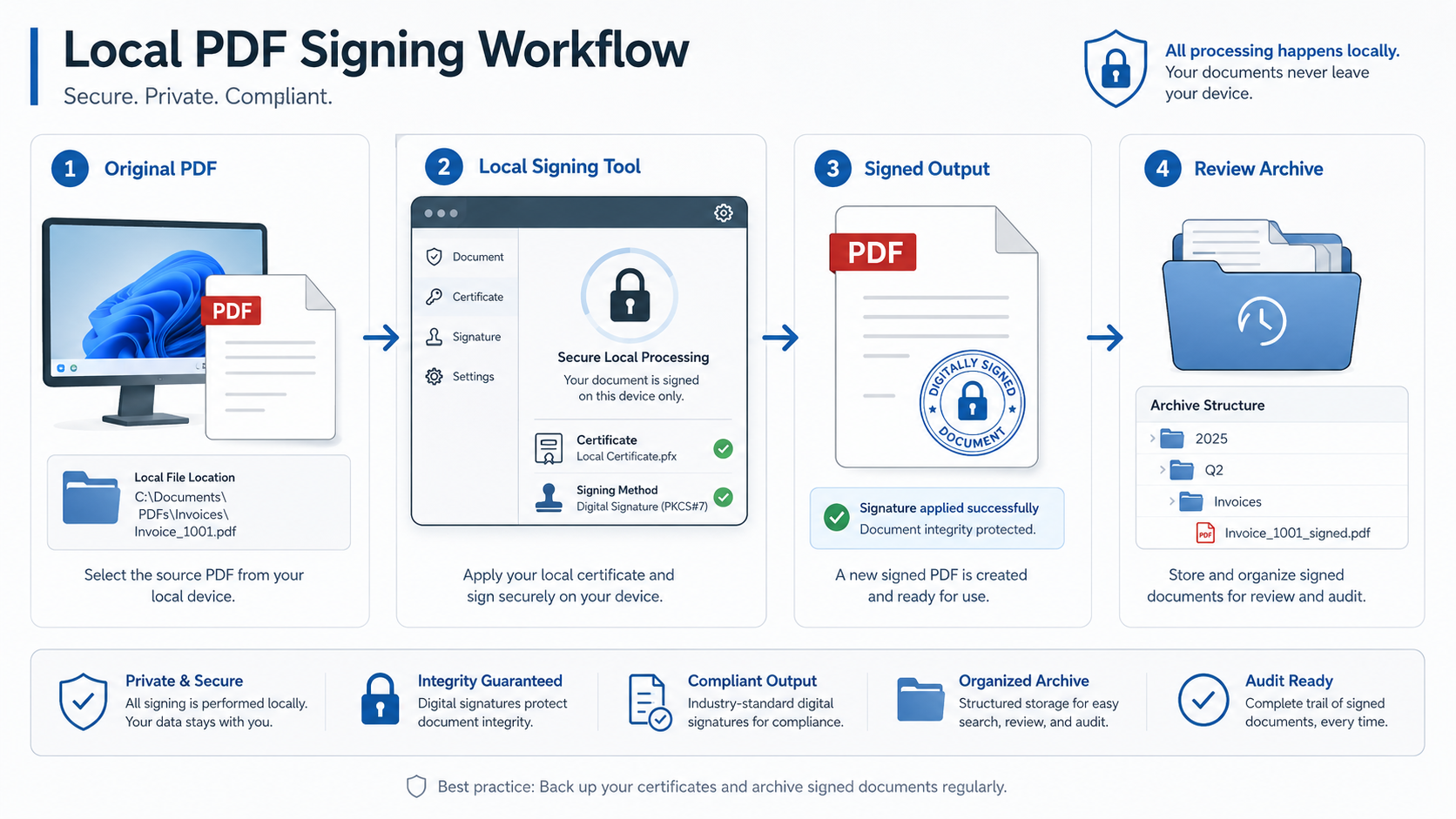
The security guides also explain why a visible stamp, an electronic signing workflow, and a certificate-backed digital signature solve different problems. Use a visible mark when the purpose is communication or internal routing. Use a stronger workflow when the process needs signer identity, consent records, tamper detection, or a defensible audit trail.
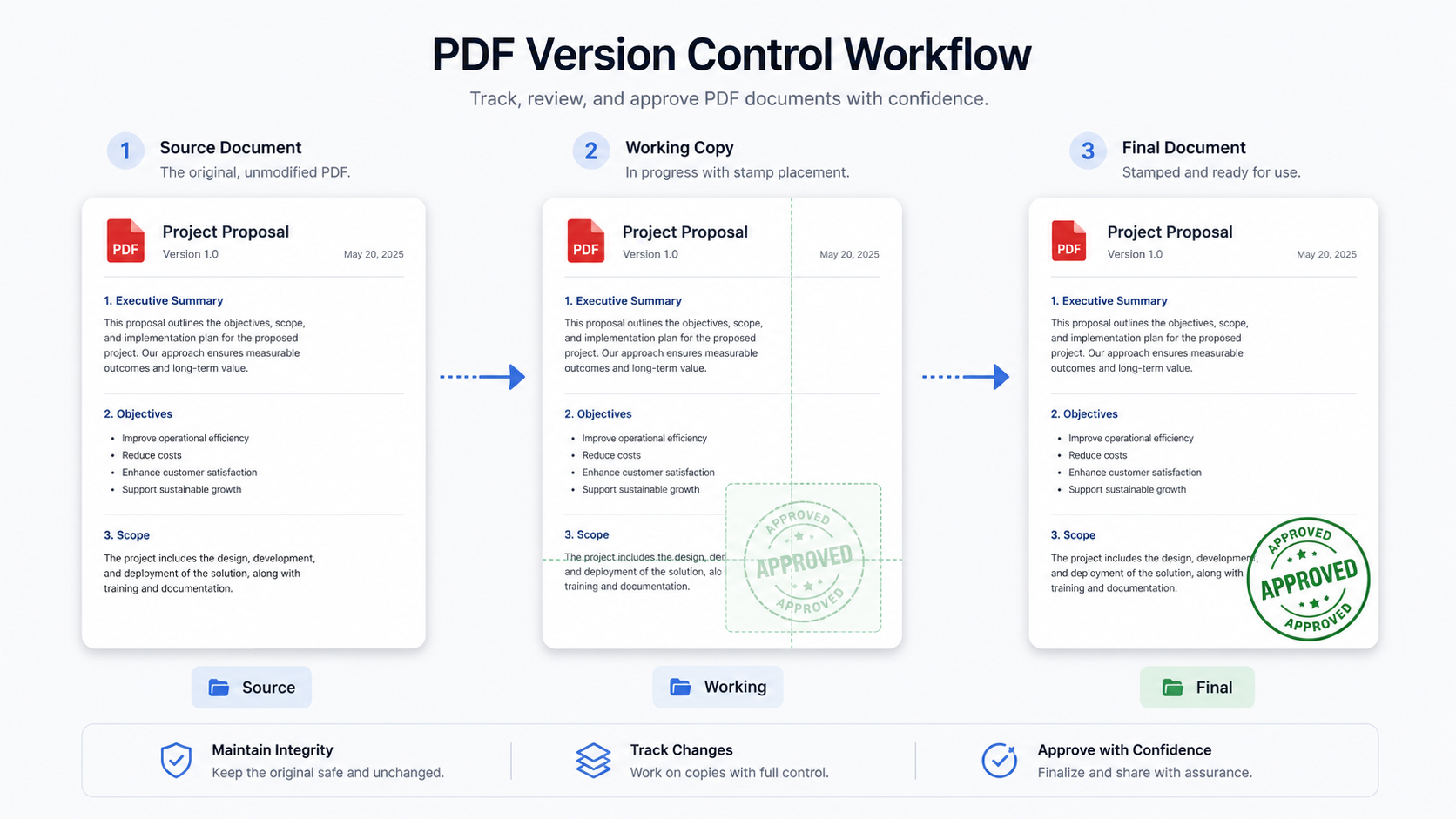
For every sensitive document, keep an unstamped original, name the exported copy clearly, and review both the page layout and the handling decision before sharing it. This habit is small, but it separates a convenient PDF action from a careless document-control practice.