Risk Warning:
When handling PDF contracts, the immediate reflex for many office workers is to open a random online converter, upload the file, stamp it, and hit download. While this pipeline presents minor liabilities for public-facing documents, it introduces massive compliance blind spots if applied to commercial agreements, proforma invoices, payroll logs, cross-border trade files, or documents carrying PII (Personally Identifiable Information). You must first ask the definitive operational question: Is this PDF cleared for cloud-inbound ingestion? For IT administrators, remote operations, and legal practitioners, offline PDF signing is not a premium configuration—it is the foundational boundary of digital data defense.
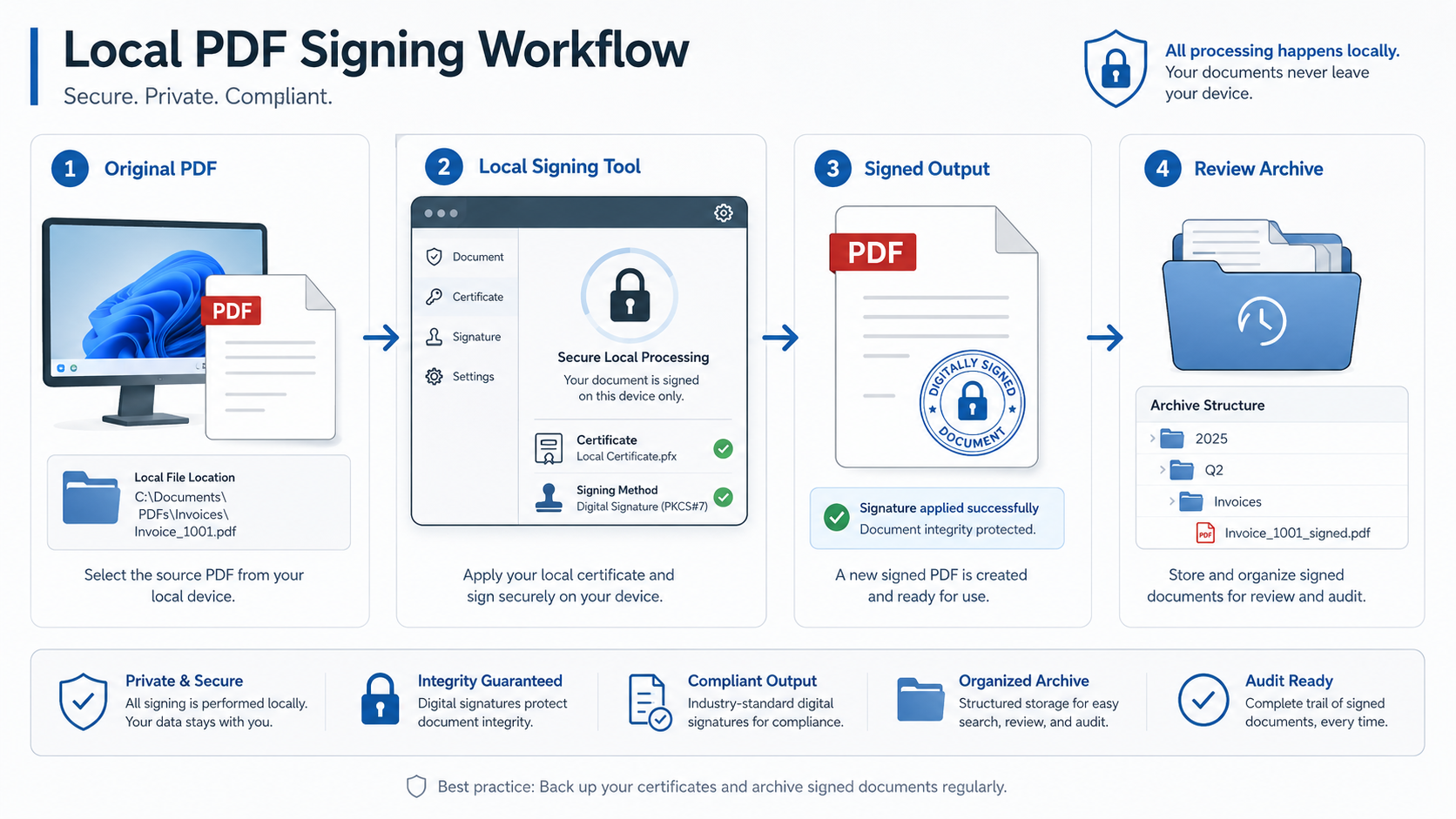
I. Zero Cloud Exposure: 6 Critical Document Vectors Requiring Local Processing
The following data classes carry significant data-breach liabilities or regulatory penalties if processed through unvetted cloud architectures. Local sandbox isolation is mandatory:
Master service agreements, NDAs, supplementary pacts, and sensitive cross-border distribution frameworks.
Proforma invoices (PI), custom purchase quotes, bank settlement logs, and corporate payout orders.
Corporate registration scans, power of attorney authorizations, tax IDs, and documents containing bank routing entries.
II. Technical Evaluation: Mapping PDF Signing Pipelines on Windows 11
| Architecture | Security Perimeter | Inherent Risk Points | Deployment Rating |
|---|---|---|---|
| Cloud Upload Portals | None. Files stream to external untrusted environments | Persistent server logs, telemetry caching, scraping | ⚠️ Strictly for low-risk public data |
| Local Browser Engine | WASM-driven client isolation. 0 network egress | Constrained by web browser memory allocations | 👍 Recommended for internal office files |
| Offline Desktop Client | 100% physical runtime separation from web channels | Requires application deployment on the client node | 🌟 Highly Recommended for sensitive agreements |
| Enterprise Signing Suite | End-to-end payload encryption with internal audit logging | High infrastructure overhead and setup costs | 🏢 Targeted at multi-tenant corporate platforms |
💡 Core Technical Distinction: Everyday office assets like visual stamps, graphical signatures, or edge overlays handle the cosmetic, human-readable appearance of execution. On the other hand, cryptographic digital certificates (e.g., PFX files) anchor the file’s data block integrity against downstream tampering. For the majority of daily image-based corporate stamping needs, an isolated client-side script or desktop tool provides ideal protection.
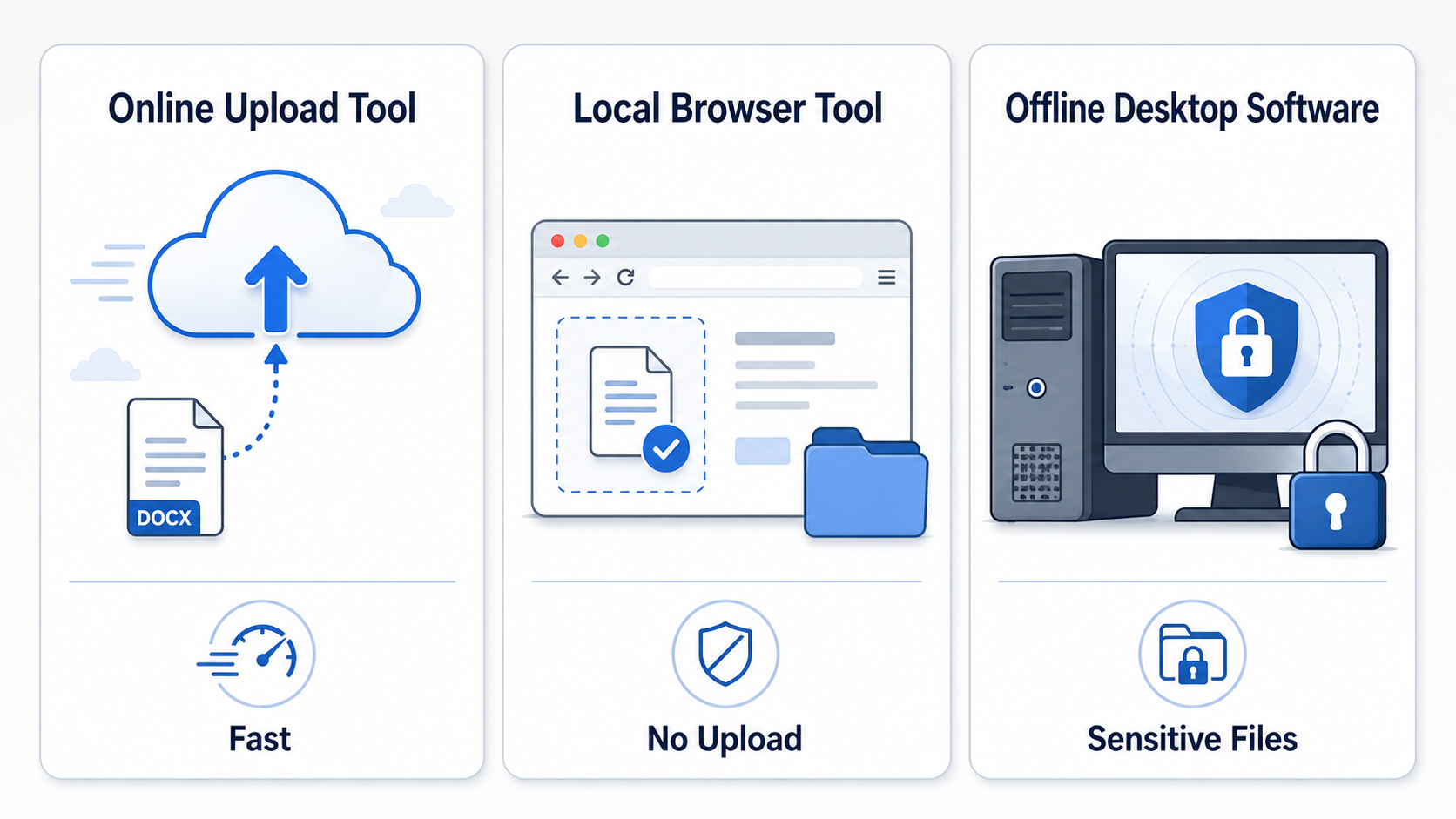
III. Pre-Execution Auditing: The 4-Dimensional Self-Check
🔍 1. Provenance & Master Verification
- Did the source file originate from an authenticated corporate communication system?
- Is this a fully frozen final layout stripped of active markup fields?
🛡️ 2. Asset Integrity & Authorization
- Are the corporate seal graphics high-resolution, transparent background PNG elements?
- Has the deployment of this specific digital seal been approved via management controls?
📐 3. Layout Scaling & Page Constraints
- Are rendering instructions verified? (e.g., all-page replication, closing page placement, or page-edge split)
- Are structural headers, index outlines, or legal appendices designated to be skipped?
💾 4. Output Control & Post-Review
- Does the output file string distinctively detach itself from the raw master naming format?
- Has a physical manual view check been made to guarantee zero layer displacement or text blocking?
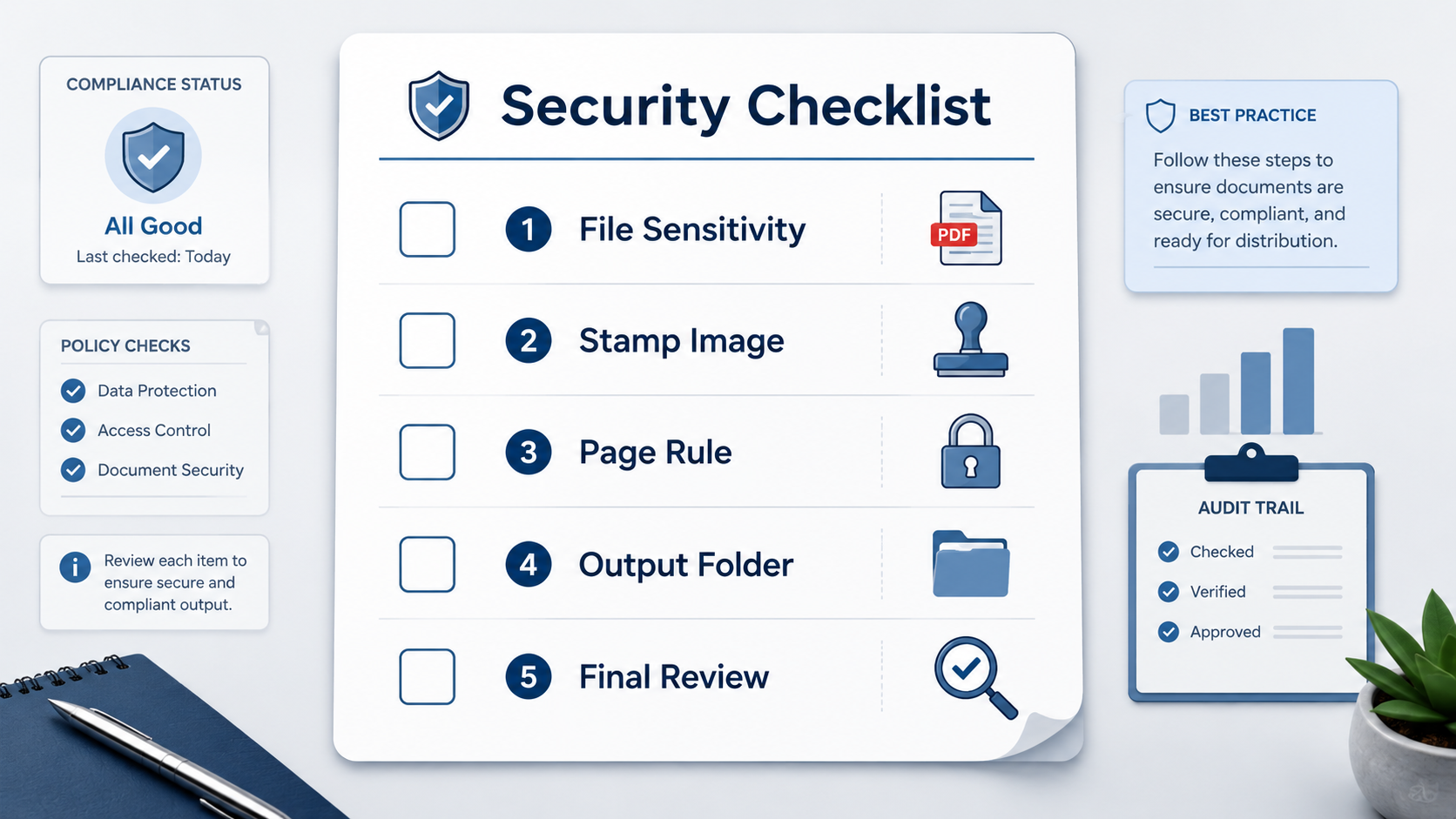
四、The Enterprise Protocol: A 5-Step Folder Matrix for PDF Stamping
Secure operations dictate that master document assets must never be modified directly. IT frameworks recommend deploying a clean operational folder hierarchy on Windows 11:
V. Architecture Decisions: Open-Source Client Sandboxes vs. Dedicated Offline Clients
SMEs and solo entrepreneurs must weigh utility speed against the financial cost of a data breach:
- Low-Volume, General Document Layouts: For stamping generalized review markers or tracking notices, zero-install local web-sandboxed tools operate directly in client RAM, presenting excellent file speed and security.
- High-Stakes Financial & Legal Operations: For processing trade titles, corporate accounting ledgers, or major legal declarations, lock the workflow down using a native offline desktop client architecture to eliminate external web dependencies.
🛠️ Operational Selection Framework (CTA)
If your baseline workflows require processing generalized public materials, review tags, or visual edge-stamps, deploy our Online Local PDF Sign & Stamp Utility to compute files safely inside your modern web browser.
If your department handles high-value contract lines, payroll sheets, cross-border accounts, or deep proprietary data, transition to the PDFQFZ.WPF Offline Desktop Client to maintain absolute local perimeter security on Windows 11.
Operational Core: Strict digital risk-mitigation is not an operational barrier—it is the foundation of secure document execution.